Website to MCP
Website to MCP: turning public pages into agent tools
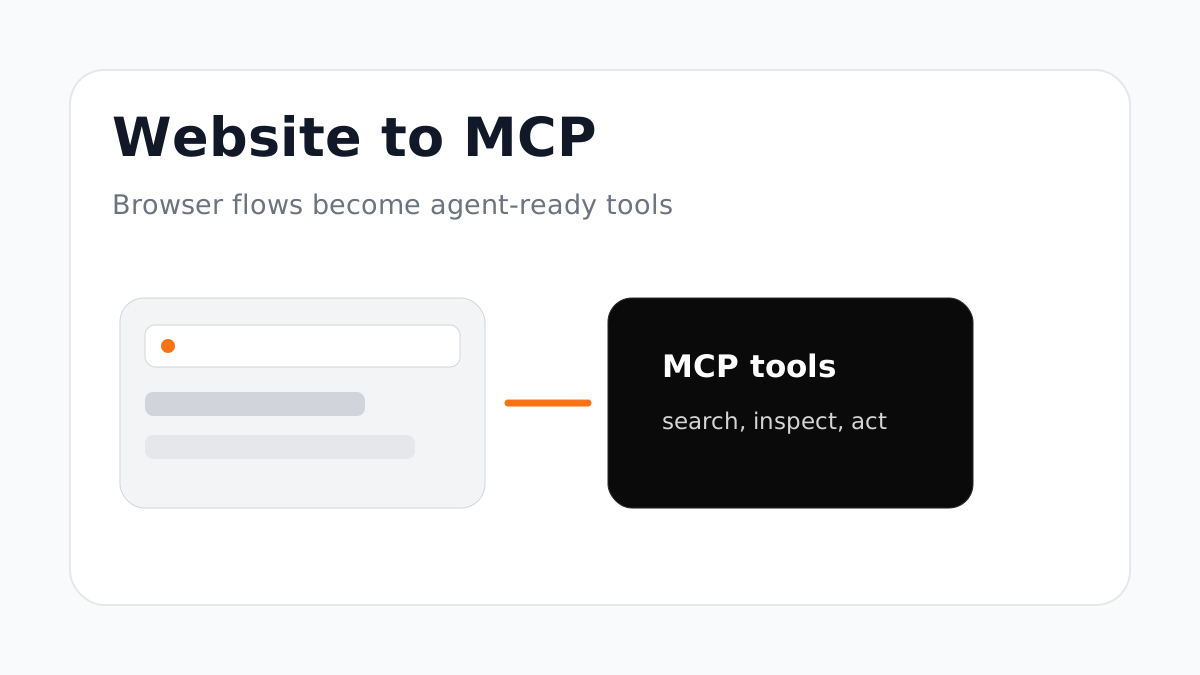
Not every useful tool starts with an API spec. Some workflows live behind public pages, dashboards, docs, forms, or browser flows. Website-to-MCP turns those surfaces into agent-ready tools when an API is missing or incomplete.
What website-to-MCP is good for
Website-to-MCP is useful for discovery, search, lightweight browser automation, documentation retrieval, and early workflow mapping. It helps teams learn what an agent should do before a clean API contract exists.
It is especially helpful for tools where the real user journey is visual: open a page, inspect content, fill a form, confirm a result, and report what happened.
Where teams need caution
Browser tools can be powerful, but they should not become a blank check. Production agents need limits around credentials, allowed domains, actions that change state, and evidence returned to the user.
Astrail labels browser-backed runtime behavior separately from mapped API execution so teams can see what kind of tool they are installing.
The path to production
Use website-to-MCP to explore the workflow, then graduate stable actions into mapped endpoints or reviewed skills. That gives you the speed of browser discovery without pretending every browser step is ready for production.
The best agent tools are boring in the right way: explicit inputs, clear auth, observable calls, and no mystery side effects.
FAQ
Can a website become an MCP server?
Yes. Astrail can turn public websites and browser-backed workflows into MCP candidates, then separate those from direct API-backed tools.
Is website-to-MCP safe for production?
It can be, but only with clear boundaries. Use reviewed domains, credentials, runtime logs, and approval gates for state-changing actions.